The Best To-Do List and Task Manager Apps
Vote it into the order you'd defend. The rule is narrow: an app qualifies only if its maker's page title, or the opening line of its encyclopedia entry, puts to-dos, a to-do list, a task manager or task management in the title, not the body copy. A page whose title sells a calendar, a planner, a website blocker, a time tracker or a launcher, and never one of those, doesn't make it. Bare "tasks" doesn't count, which keeps calendars out and ejects Tasks.org, whose page title is its own name. An app whose page titles it a note-taking or documents app sits on The Best Note-Taking Apps instead. Above that, one coarse sort: how many device classes the linked page names, counting phone, computer, tablet, watch and browser. Three or more sits high, two in the middle, one or none at the bottom. Some pages name no device, so the bottom band is about what the linked page lists, not how good the app is. Inside a band, the running order is yours.
Things is #1 on “The Best To-Do List and Task Manager Apps”.
- 1
Things
Stuttgart's Cultured Code has spent years sanding down a single idea, and the encyclopedia entry records what that got them: the Apple Design Award in 2009, plus the Macworld Editors' Choice the same year. The article lists it running on macOS, iPadOS, iOS, watchOS and visionOS, and that's the catch: Apple hardware or nothing. Work out of the Today view and the day arrives as one column.
 Things (software) - Wikipediahttps://en.wikipedia.org/wiki/Things_(software)
 - 2
TickTick
A timer lives inside the list, which is rarer than it sounds. The maker's page pitches the "Pomodoro Technique" as breaking "tasks into 25-minute intervals", so the thing holding your to-dos is also the thing running the clock on them. Its title reads "TickTick: A To-Do List and Calendar to keep you organized", and it names phone, computer, tablet and watch. The timer starts from the task row itself.
 TickTickJoin millions of people to capture ideas, manage to-dos and make the most of your life with TickTick.https://ticktick.com/
 - 3
Todoist
Typing a line like call mum friday 5pm and watching it land as a dated task is why people stay. The maker's page says you can "Input tasks in plain English" and it will "automatically categorize, label, and schedule them." Its own platform strip reads Desktop, Android, iOS, Wearables, Browser Extensions and Email Add-ons. Capture through Quick Add and the date picker mostly stays shut.
 Simplify Task Management with Todoist Transform chaos into clarity with Todoist. Manage your tasks, stay focused, and achieve your goals every day. Task management, made simple. https://www.todoist.com/task-management
 - 4
OmniFocus
Heavier than most people need, and the Omni Group doesn't pretend otherwise — its page is titled "Task Management Software Built For Pros". Two things carry it: Forecast, which the page says "shows you what's coming up", and Custom Perspectives, saved views you define yourself. The same page names Mac, iPhone, iPad, Apple Watch and Apple Vision Pro. Build one perspective for work, one for home, and you've done the setup that matters.
 Task Management Software Built For Pros - OmniFocus - The Omni GroupTask management software for busy professionals that helps them accomplish more every day.https://www.omnigroup.com/omnifocus/
 - 5
Reminders
There's nothing to install, assuming the phone is an iPhone. Wikipedia calls it "a task management program developed by Apple" for iOS, macOS, watchOS, iPadOS and visionOS, and notes that items "can be marked as completed (checked) and are automatically hidden." It landed in iOS 5 and was "rebuilt from the ground up" at iOS 13. Tick things off and the list empties itself.
 Reminders (Apple) - Wikipediahttps://en.wikipedia.org/wiki/Reminders_(Apple)
 - 6
Any.do
Whatever you're holding, it's probably covered: the availability strip names Android, iPhone, iPad, Mac, Web, Windows, Apple Watch and Wear OS among the rest. The page titles it "A simple to do list for you and your team" and offers "time based, location and recurring reminders". Enter the repeating chores once — bins, rent, the dog's tablets — and stop retyping them every month.
 A simple to do list for you and your teamA simple to do list app to manage your personal tasks, family projects, and team's work. Trusted by +40m people to stay organized and get more done.https://www.any.do/
 - 7
Microsoft To Do
Comes attached to the work account a lot of people already sign into, and that's most of its appeal. Wikipedia describes a "cloud-based task management application" that "allows users to manage their tasks from a smartphone, tablet and computer", launched "as a preview with basic features in April 2017". Keep it for the shared work lists and let something else hold the personal ones.
Microsoft To Do - Wikipediahttps://en.wikipedia.org/wiki/Microsoft_To_Do - 8
Superlist
Tasks inside tasks inside checklists — the page describes organising projects "with subtasks, layers, and checklists", so one item can carry a whole small plan without graduating into a project of its own. Titled "Superlist — Task Management & To-Do List App for Work and Life", and it says it works on Mac, Web, iOS and Android. You break the vague item into layers the day you add it, not the day it's due.
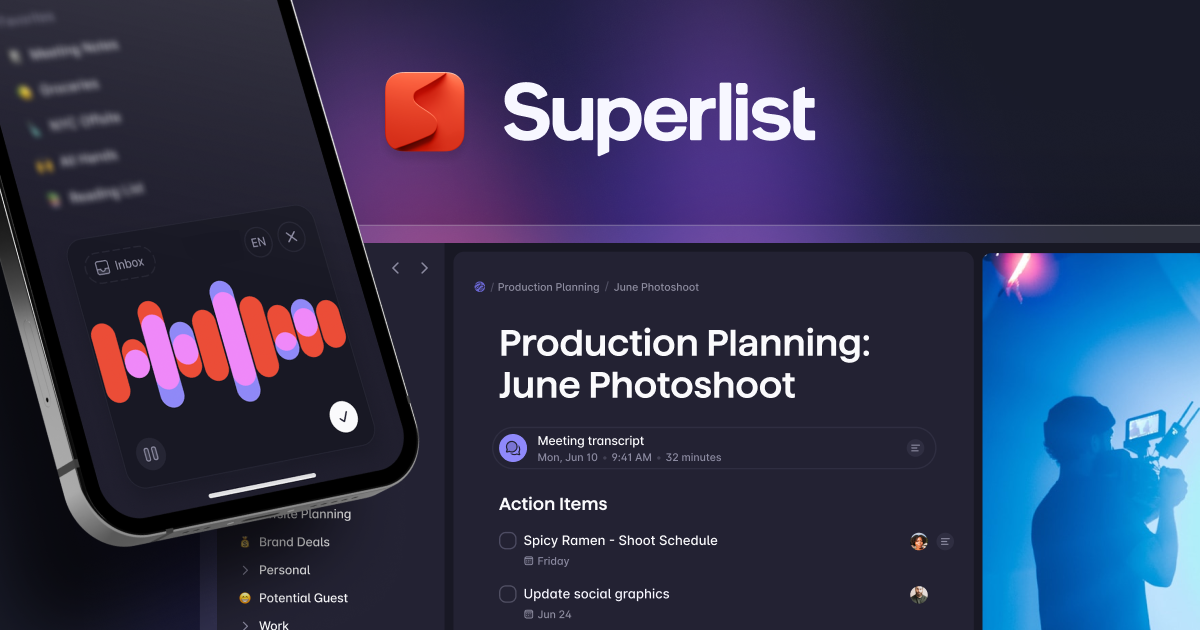 Superlist — Task Management & To-Do List App for Work and LifeFrom the creators of Wunderlist — the all-in-one task management app for to-do lists, notes, and projects. AI-powered productivity that replaces 5 apps. Free to start, works on Mac, Web, iOS & Android.https://www.superlist.com/
 - 9
Amazing Marvin
Built as a box of switches rather than a finished app: the maker calls it "Amazing Marvin - The Customizable Task Manager for ADHD", and the page tells you to "Enable only the features you need." Its super focus mode will, in its words, "See just one task at a time". The page lists Mac, Windows, Web, iOS and Android. Switch nearly everything off first, then add back what you miss.
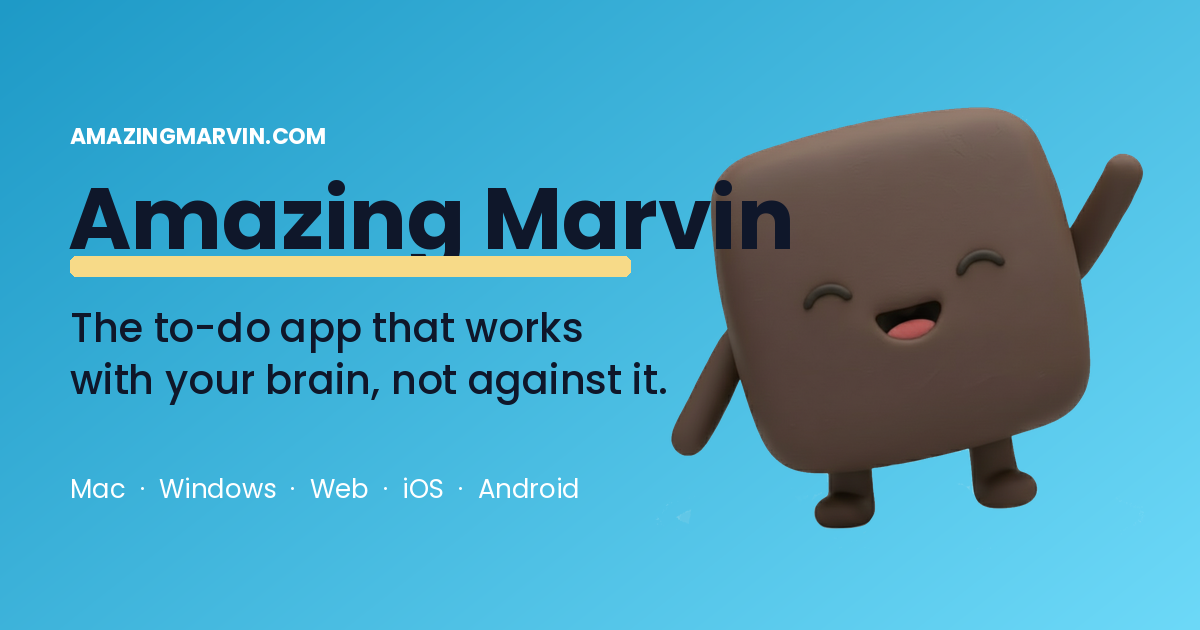 Amazing Marvin - The Customizable Task Manager for ADHDFinally, a to-do app that works with your brain, not against it. Amazing Marvin is the most customizable productivity app designed specifically for ADHD minds and chronic procrastinators.https://amazingmarvin.com/
 - 10
Remember The Milk
Tags do the filing here, not folders. The home page demonstrates the move itself — "Push them all to Monday and tag #catchup" — which is what an overdue list actually needs. The page bills itself as "Remember The Milk: Online to-do list and task management", and claims sync "from your phone, to the web, to your Google apps, and more". You can share a list outright and hand single tasks to someone else.
Remember The Milk: Online to-do list and task managementhttps://www.rememberthemilk.com/ - 11
Google Tasks
It lives in a side panel next to your email, which is either the appeal or the limit. Wikipedia places it "in the right-hand side panel on Google Workspace apps on the web and in Google Calendar", alongside Android and iOS apps, after years "as a feature in Gmail and Google Calendar" before it "launched as a core product with a standalone app in 2018". Add the task from the Gmail panel while the email is still open.
Google Tasks - Wikipediahttps://en.wikipedia.org/wiki/Google_Tasks - 12
Nirvana
You'll know in a minute whether the method suits you: the title says "Nirvana | The To-Do List App for Getting Things Done" and it doesn't wander far from that. Its best idea is a filter that sorts for "to-dos you can sensibly take on with the time and energy available to you", with tags for "what's practical where you are, both physically and mentally". Listed for iOS, Android and Windows.
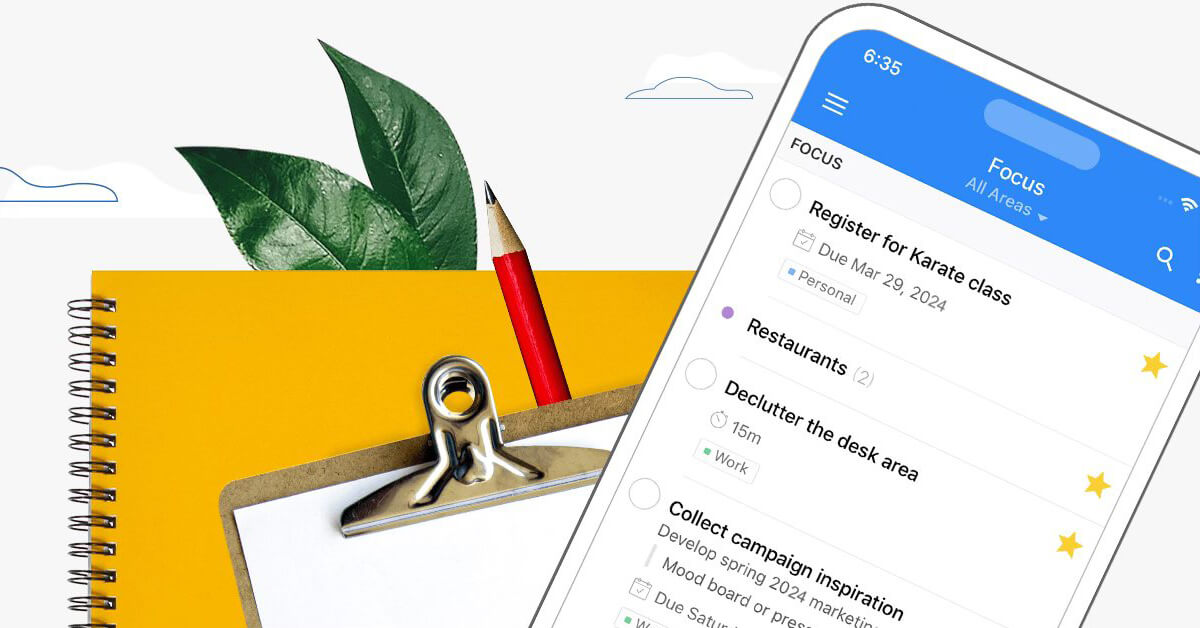 Nirvana | The To-Do List App for Getting Things DoneNirvana is the calm to-do list app built for Getting Things Done®. Clear your mind, decide what matters, and make steady progress.https://www.nirvanahq.com/
 - 13
Trello
Everything arrives as a card and moves left to right across a board. The page names mobile and stops there, which is what puts it down here. Atlassian titles it "Capture, organize, and tackle your to-dos from anywhere" and names "Inbox, Boards, and Planner", with the Inbox pulling in "every vital detail from emails, Slack, and more". Dump first, sort onto a board later.
Capture, organize, and tackle your to-dos from anywherehttps://trello.com/ - 14
Taskwarrior
Three commands — "add, list, and done" — are the whole surface, according to an article that calls it an "open-source, cross platform time and task management tool". It runs in a terminal, though the entry notes "graphical user interface wrappers have also been created" since. The article talks about architectures and Linux repositories rather than phones or watches, hence the placement. If you already live in a shell, this beats opening a window.
 Taskwarrior - Wikipediahttps://en.wikipedia.org/wiki/Taskwarrior
 - 15
Vikunja
Ownership is the pitch, stated in the title: "Vikunja: The task manager you actually own". The page says it is "licensed under the AGPLv3" and that you can install it "using Docker, native binaries for your platform, or sign up for Vikunja Cloud" — install routes, not devices, which is exactly why it lands in the bottom band. Four views ship, so pick one per project.
 Vikunja: The task manager you actually ownVikunja is open-source task management you can self-host. Lists, Kanban, Gantt, and more — on your server or ours. Made and hosted in the EU.https://vikunja.io/
 - 16
Habitica
Miss a Daily and your avatar takes damage, which sounds silly right up until you notice you're doing the washing-up to stay alive. Wikipedia calls it an "online task management application" where "Rewards are achieved through maintaining real-life goals in the form of Habits, Dailies, and To-Dos", and says a negative Habit takes health off you. Code sits under GPL 3.0; the article names Android and iOS.
Habitica - Wikipediahttps://en.wikipedia.org/wiki/Habitica
How this list was ranked
Readers rank this list by voting items up and down. Items are ordered by reader votes.