The Best Browser Extensions
Rank the extensions you actually keep, and vote down the ones that ask for more than they give back. An extension sees more of your browsing than almost anything else you install, so the order here weighs what each one does for you against what it can see. Narrow, local, open-source tools sit near the top, and the ones that need somebody's server, to check your grammar or to hold the links you save, sit lower however good they are. Service-backed extensions are eligible; they just have to earn the trade. Browser support is named on every item, because several are Firefox-first and one is winding down on Chrome. Left out: password-manager extensions, which are accessories to their apps and belong with the password managers, and general open-source desktop software, which has a list of its own. Pocket is absent because its own site says the read-it-later service and its browser extensions are being phased out, and price tracking is missing because the candidates' own sites would not confirm which browsers they support.
uBlock Origin is #1 on “The Best Browser Extensions”.
- 1
uBlock Origin
Nothing else here buys back as much bandwidth and attention for as little effort. The project describes it as a CPU and memory-efficient wide-spectrum content blocker for Chromium and Firefox, released under a GPL-3.0 license. Its own README now flags end of support on Chrome 139 and says the extension works best on Firefox, so read that line before you install it in Chrome.
GitHub - gorhill/uBlock: uBlock Origin - An efficient blocker for Chromium and Firefox. Fast and lean.uBlock Origin - An efficient blocker for Chromium and Firefox. Fast and lean. - gorhill/uBlockhttps://github.com/gorhill/uBlock
- 2
Dark Reader
Every site gets a generated dark theme rather than a hand-made one, which is why it also works on the obscure documentation page you found at midnight. Offered for Chrome, Firefox, Safari and Edge, developed since 2014, and shipped under an MIT license. Its site says it doesn't send user data anywhere, which matters, because the extension has to read every page to recolor it.
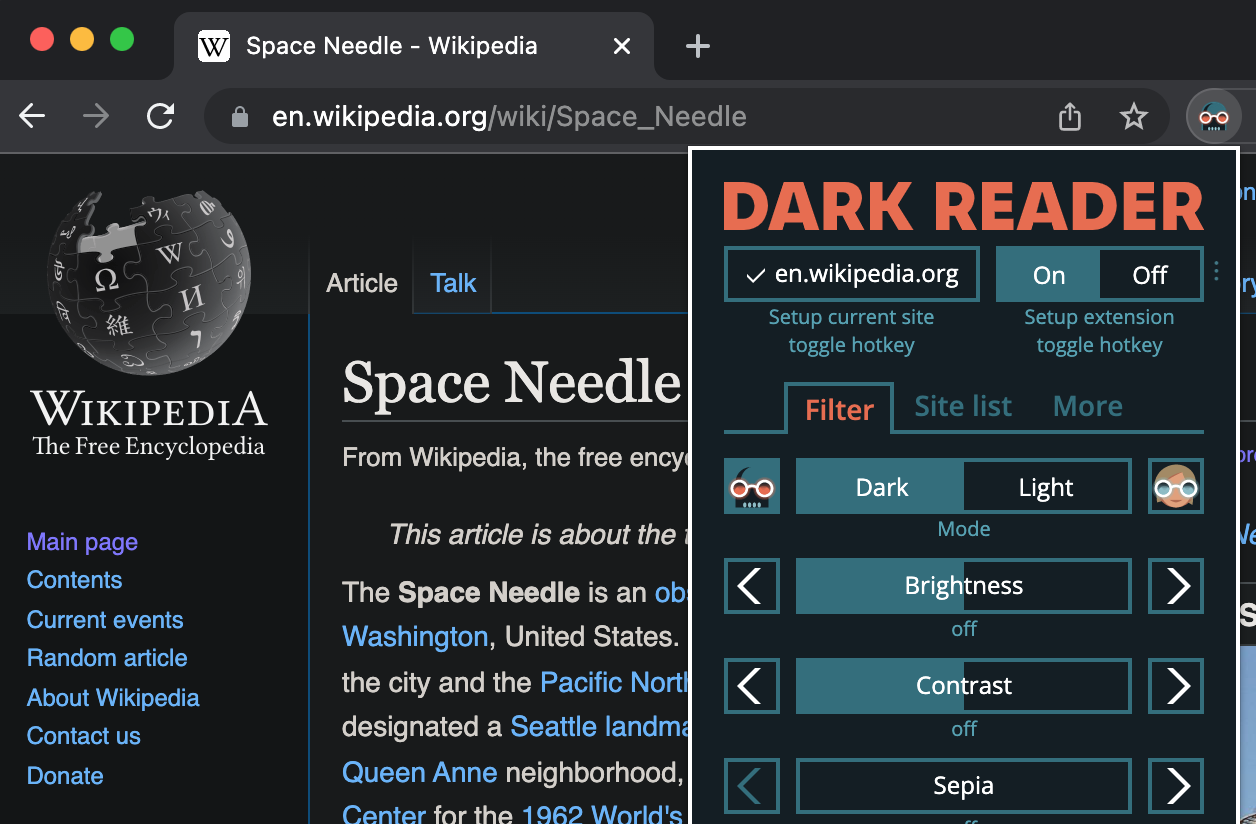 Dark Reader — dark theme for every websiteDark mode for every website. Take care of your eyes, use dark theme for night and daily browsing. For Chrome and Firefox, Edge and Safari.https://darkreader.org
 - 3
Privacy Badger
Instead of a blocklist, it watches behavior: observe the same third-party host tracking on three separate sites and it disallows that host automatically. The Electronic Frontier Foundation makes it, the source is licensed GPLv3+, and it sends the Global Privacy Control signal to opt you out of data sharing along with a Do Not Track signal. Listed for Chrome, Firefox, Edge, Opera, Brave and Firefox for Android.
 Privacy Badgerhttps://privacybadger.org/
 - 4
SponsorBlock
Skipping the sponsor read buried in the middle of a video stops feeling like a luxury after about a week. Skips come from a crowd-submitted segment database that anyone can download, fetched through what the project calls a privacy-preserving query system, and the code is GPL v3. Downloads are offered for Chrome, Firefox, Edge, Safari, Opera, Android and iOS, and its whole job is YouTube.
 HomeSponsorBlock is a crowdsourced browser extension to skip sponsor segments in YouTube videos.https://sponsor.ajay.app
 - 5
Vimium
Keyboard-first browsing sounds like an affectation until the afternoon you stop reaching for the mouse. Press f and a link hint appears over every target on the page; type the hint and it opens, with a capital F sending it to a new tab. That hint mode is the whole idea, and the rest is vim-style motion. MIT license, and the README points at Chrome, Edge and Firefox.
GitHub - philc/vimium: The hacker's browser.The hacker's browser. Contribute to philc/vimium development by creating an account on GitHub.https://github.com/philc/vimium
- 6
Stylus
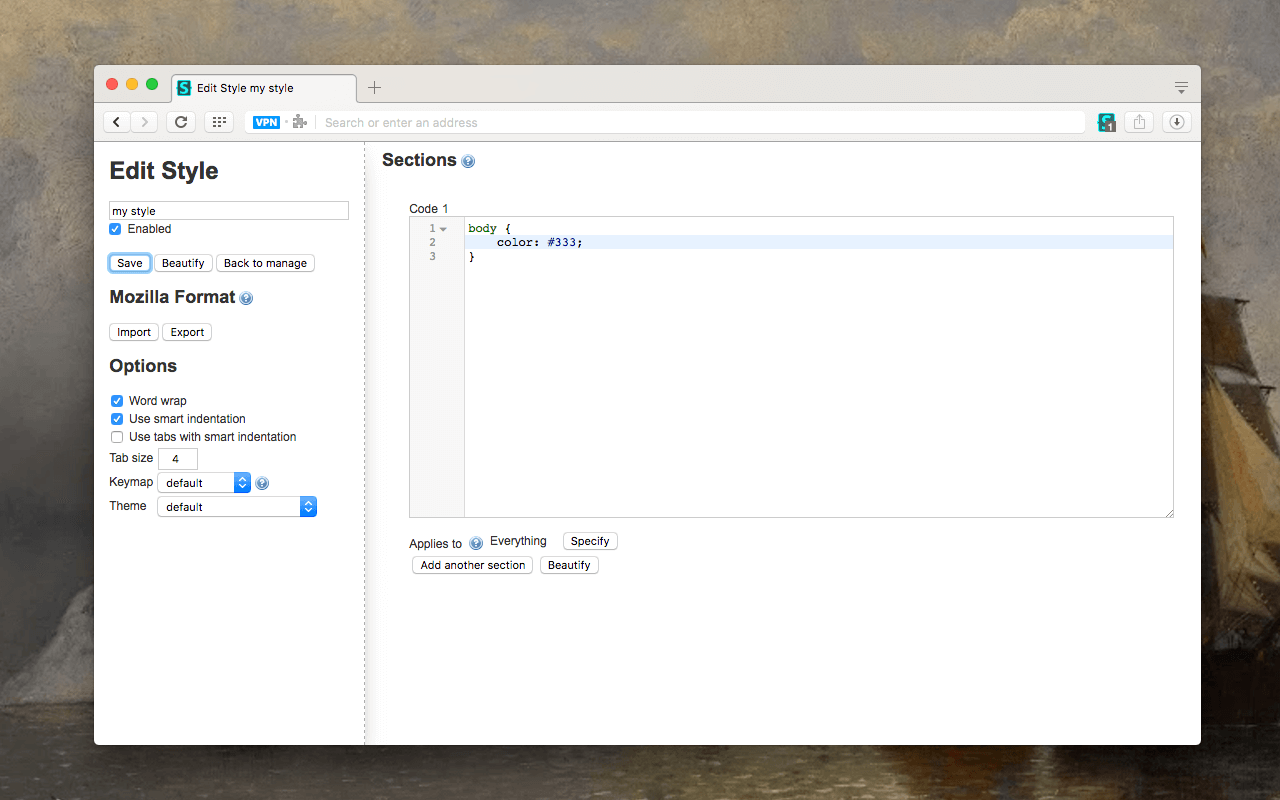
Restyling a site you stare at daily is a smaller job than it sounds: write a rule, scope it to a domain, done. Working by user CSS injection, it overrides the present design of a page rather than its behavior, which is a far narrower thing to grant than a script manager. GPL-3.0 licensed, and the maker's page names Chrome, Firefox and Opera.
 Stylushttps://add0n.com/stylus.html
 - 7
OneTab
Forty open tabs collapse into a single list with one click, and the site claims up to 95% memory saved as a result. The privacy note is why it ranks this high: tab URLs are never transmitted to the developers or any other party, the exception being the share-as-a-web-page button you have to press yourself. Chrome, Firefox, Edge and Safari, with Brave, Opera and Vivaldi running the Chrome build.
OneTab extension for Google Chrome and Firefox - save up to 95% memory and reduce tab clutterhttps://www.one-tab.com/ - 8
Consent-O-Matic
Cookie banners are a tax on reading, and this pays it for you. It recognizes Consent Management Provider pop-ups and fills them out from preferences you set once, instead of leaving you to hunt for the reject button on every site. Built at the Center for Advanced Visualization and Interaction at Aarhus University, and installable in Chrome, Firefox, Safari and Edge on desktop plus Safari on mobile.
Consent-O-Matichttps://consentomatic.au.dk - 9
LanguageTool
Grammar checking that the site says masters more than 30 languages and dialects is rarer than it should be, and it is the reason I keep this one on for English and German both. Free use stops at a 2,000-character limit per text field, with Premium raising that and adding checks. Add-ons cover Chrome, Firefox, Edge, Safari and Opera, and the site says no text is stored by the browser add-on.
 Free AI Grammar Checker - LanguageToolhttps://languagetool.org
 - 10
axe DevTools
Developers, and anyone who cares whether a page works with a screen reader, get the most out of this one. It runs the axe-core engine Deque built for automated accessibility testing right in your browser, so you check the page actually in front of you. Free installs are offered for Chrome, Firefox and Edge, with a fourteen-day trial of the full feature set on top of that.
Axe DevTools Extension | accessibility testing in your browserFind and fix accessibility issues with AI and automated testing using the number one accessibility testing browser extension.https://www.deque.com/axe/browser-extensions/ - 11
Raindrop.io
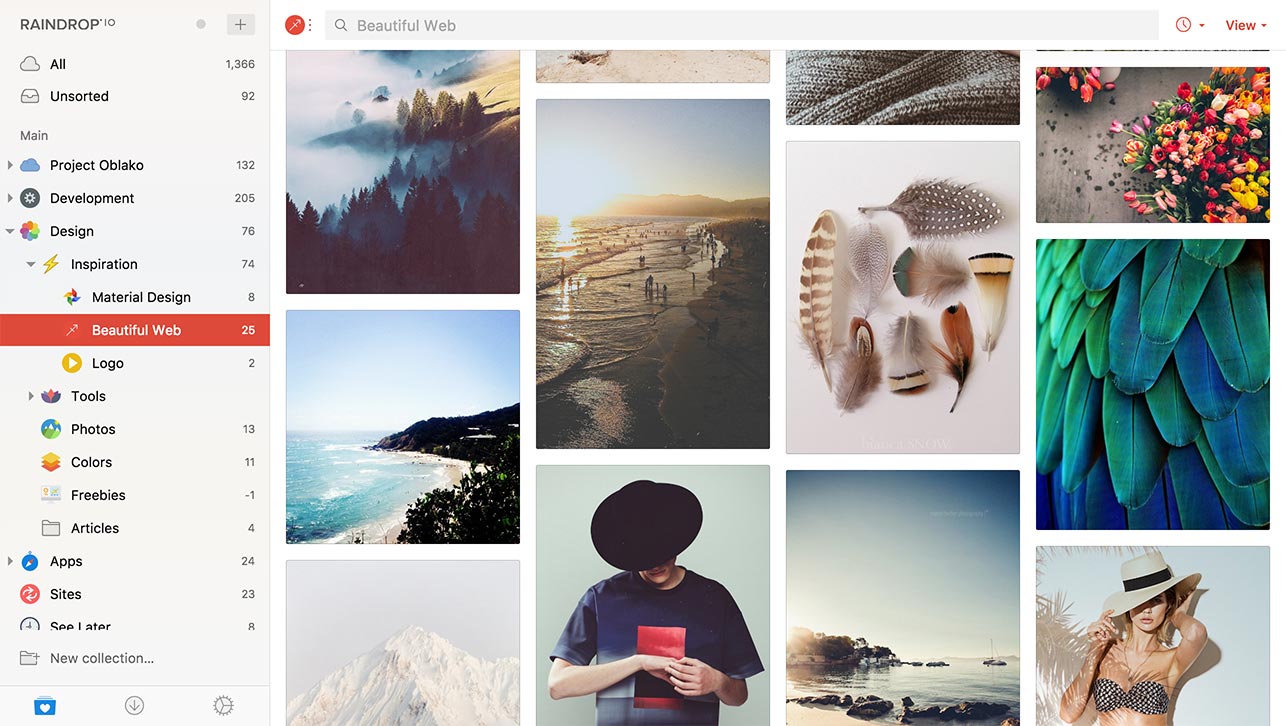
Saving a link here is not a local operation, and the copy never pretends otherwise: the extension is the front end of a web service, so everything you keep lands on their servers. It earns its place because sorting into collections across devices beats a browser's own bookmark folders. The maker promises unlimited bookmarks, collections and devices on the free plan, free to use indefinitely. Chrome, Firefox, Safari and Edge, plus desktop and mobile apps.
 Raindrop.io — All-in-one bookmark managerFor your inspiration, read later, media and stuffhttps://raindrop.io
 - 12
Tampermonkey
Userscripts are small JavaScript programs that add new features to web pages or modify existing ones, and this is the manager most of them are written against. The power is the cost: a script can rewrite any page it reaches, so the userscript blacklist, for sites that should never be accessible to one, is the setting to open first. Chrome, Microsoft Edge, Safari, Opera Next and Firefox.
 Home | TampermonkeyHomehttps://www.tampermonkey.net
 - 13
Ghostery
Ad and tracker blocking here overlaps heavily with uBlock Origin, which is why it sits at this end rather than the top. Ghostery GmbH in Munich runs it, every feature is free with no subscription required, and optional contributions fund the work. The privacy policy is specific about what leaves your machine: WhoTracks.Me reporting and a daily install snippet, both described as non-personal. Chrome, Firefox, Safari, Edge, Opera and Brave.
 Free Ad Blocker Extension | Block Ads & TrackersThe world's first truly free Ad Blocker Extension that works on mobile & desktop. With Ghostery you can block ads, cookies, popups, youtube ads and more.https://www.ghostery.com/ghostery-ad-blocker
 - 14
Grammarly
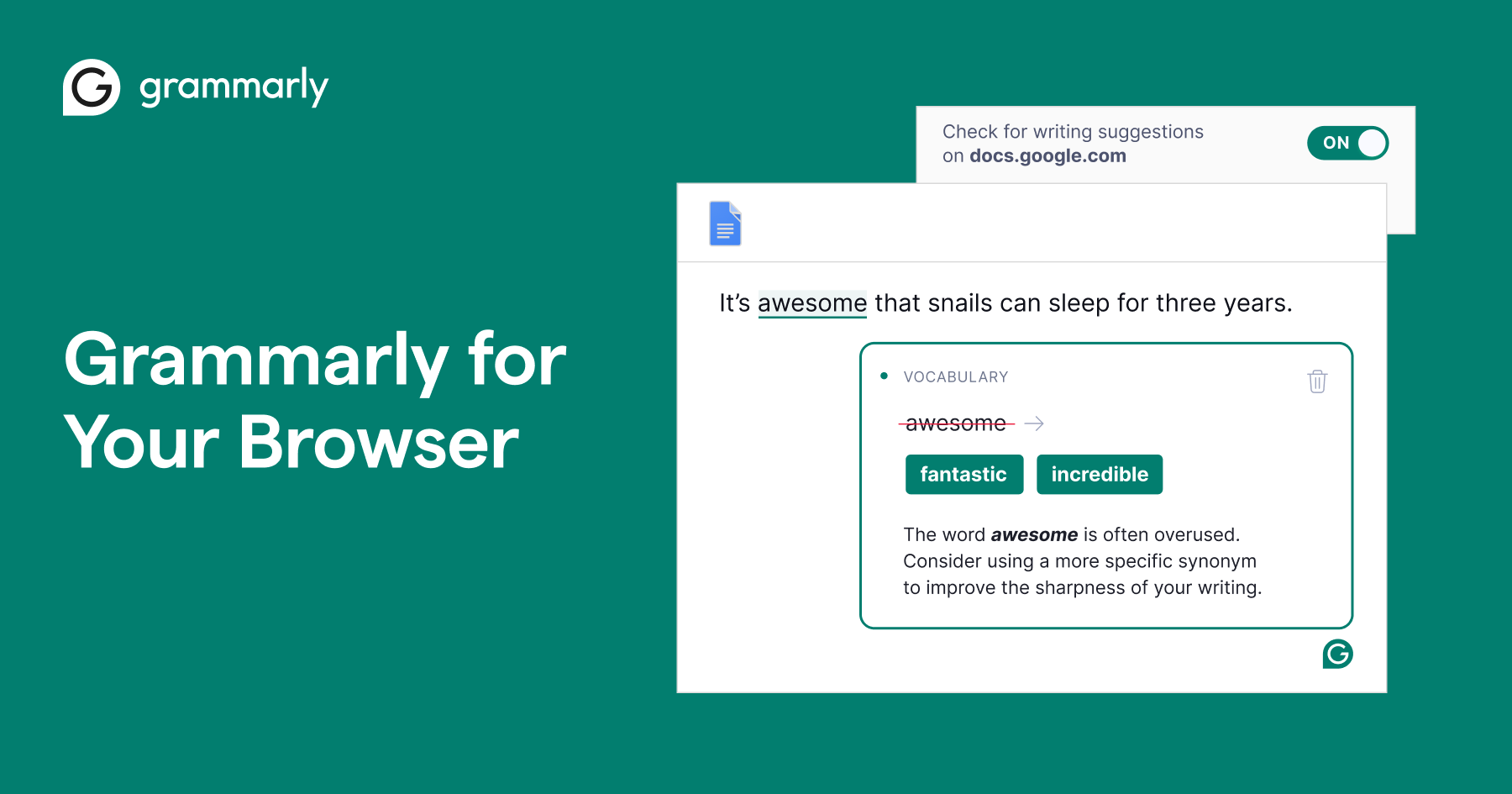
Writing help that reads every text box you type into is the heaviest permission on this list, and whether that trade is worth it is a judgement only you can make. The free plan, as the site sets it out, covers mistakes and writing tone and includes 100 AI prompts, which is a bounded number rather than an open tap. Extensions ship for Chrome, Safari, Firefox and Edge.
 Grammarly for your browser | GrammarlyGrammarly’s browser extensions improve grammar, clarity, and more as you write on your favorite sites.https://www.grammarly.com/browser
How this list was ranked
Readers rank this list by voting items up and down. Items are ordered by reader votes.