The Best Password Managers
Twelve password managers, ranked on the things you can actually act on: what the free tier really gives you, how the vault is encrypted, and whether you can host it yourself. Vote it into a better order. The top is the ones that do most of the job without a card on file or a vendor holding the vault, and 1Password is the single paid product ranked above them, because the Secret Key design earns it. Mainstream subscriptions follow. The specialists, meaning Apple-only, team self-hosted and command-line, sit near the bottom because most people should not start there, not because they are bad. LastPass sits last for reasons its own entry sets out. Each app's browser extension is treated as part of the app and judged here. Left out: Apple Passwords, which has no product page of its own to point at. Free-tier claims were read off the makers' pages on 12 August 2026, and they move.
Bitwarden is #1 on “The Best Password Managers”.
- 1
Bitwarden
Free here means free: the personal product page on 12 August 2026 described unlimited passwords across unlimited devices, which is exactly the thing rivals meter. Vaults are encrypted client-side, and the master password is stretched with PBKDF2-SHA256 at 600,000 iterations by default, with Argon2id offered as an alternative. The code is open source and the server can be self-hosted, so leaving is a migration rather than a hostage negotiation.
 Best Free & Premium Password Manager | BitwardenVoted #1 by PCMag, The Verge, CNET, and G2. Free and premium password manager for secure password storage. Best free online password manager with unlimited passwords, sync across devices, and advanced security.https://bitwarden.com/products/personal/
 - 2
Proton Pass
Swiss-registered, zero-knowledge, and the free plan reads better than most paid ones: the product page on 12 August 2026 listed unlimited logins, notes and credit cards, on unlimited devices. The part worth having is the 10 hide-my-email aliases, which let you hand a shop a burner address instead of your actual inbox and see later which shop sold you out.
 Proton Pass: Free password manager with identity protection | ProtonStore, share and sync passwords, passkeys, email aliases, and more, on any device, with our open-source, free password manager. No trials, just free forever.https://proton.me/pass
 - 3
1Password
Paying is the only route in. The product page on 12 August 2026 advertised a 14-day free trial for any plan, and no permanent free tier appeared on it. What the money buys is the Secret Key, a second random secret kept on your own devices and combined with your account password, so a stolen server-side vault cannot be opened by guessing a weak password alone.
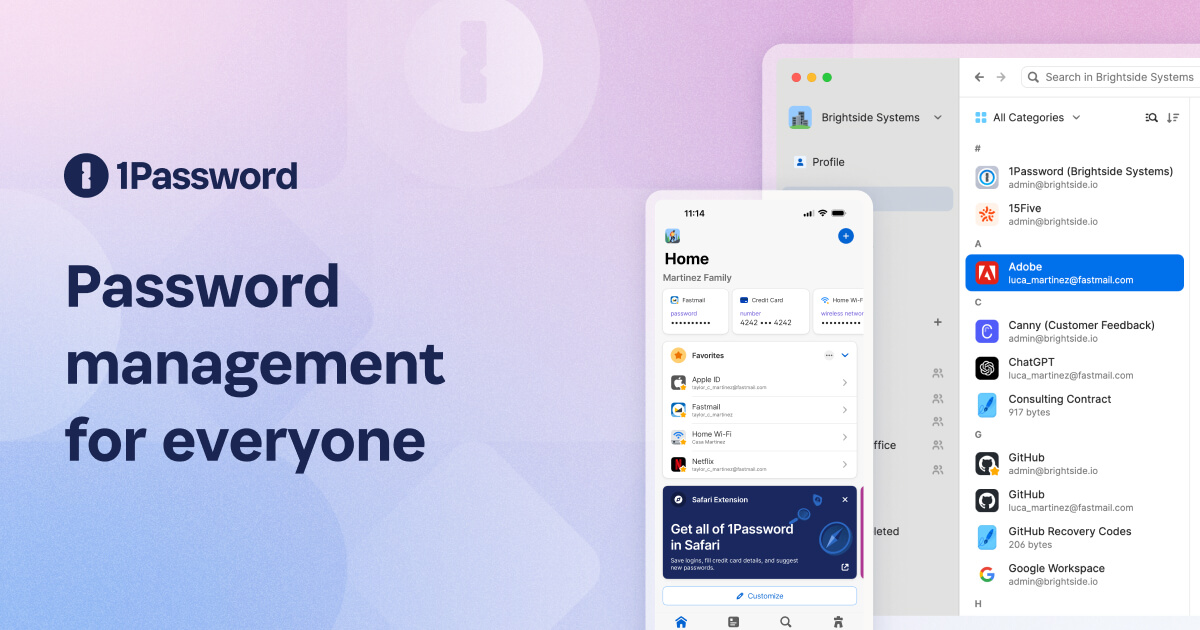 Password Manager Product | 1PasswordExplore the 1Password's password manager product for saving, autofilling, and securely sharing passwords, passkeys, and more across your browsers and devices.https://1password.com/product/password-manager
 - 4
KeePassXC
Nothing leaves the machine unless you move it: the vault is a KDBX 4 file sitting on your own disk, encrypted with AES-256 or Twofish, released under the GPLv3. Sync becomes your problem, which means Dropbox or Syncthing and a real chance of conflict files. Nothing can lapse, expire or get acquired out from under you, and after watching three services rewrite their free tier that matters.
 KeePassXC Password Managerhttps://keepassxc.org/
 - 5
Enpass
Sync runs through a cloud account you already own, whether iCloud, Google Drive, OneDrive, Dropbox, Box or Nextcloud, and the site states plainly that your data is never stored on Enpass servers. No central vault means nothing centrally worth stealing. Pricing on 12 August 2026 included a $49.99 three-year one-time payment beside the monthly plans, which is unusual in a category built on renewals.
https://www.enpass.io/ - 6
Dashlane
Autofill is the reason people stay; it gets awkward multi-step logins right where others drop the second field. The personal pricing page on 12 August 2026 listed Premium and a Friends & Family plan covering 10 accounts, both entered through a 14-day trial, and no free consumer tier could be located on it. Treat the bundled VPN as a leftover, not a reason to pick this.
 Personal password manager | DashlaneNever forget another password with the trusted and top-rated password manager. Log in easily, check out fast, and secure all your data.https://www.dashlane.com/personal-password-manager
 - 7
Keeper
Ten records and one mobile device is all the free plan offers, per the personal page on 12 August 2026, which is closer to a demo than a tier and worth knowing before you point a parent at it. Paying unlocks the actual product, and the same page states zero-trust and zero-knowledge encryption, meaning the stored data stays unreadable to the company holding it. Solid, corporate, unexciting in the way you want.
 The Best Personal Password and Passkey ManagerKeeper offers everything you need in a password manager. Our top-rated password manager helps you create and store strong passwords for each account.https://www.keepersecurity.com/personal.html
 - 8
NordPass
XChaCha20 does the encrypting rather than the usual AES, which the marketing oversells but which does dodge a class of implementation mistakes. The catch is the free tier: on 12 August 2026 the plans page placed access on multiple devices in the paid columns, so one device is the practical ceiling. The interface is fast and calm, and it's a sensible pick if you already pay Nord for something else.
Password Manager App for Personal & Business Use | NordPassA password manager like NordPass allows you to keep all your passwords, passkeys, credit card details, and other sensitive data safe and organized.https://nordpass.com/password-manager/
- 9
Strongbox
KeePass compatibility on Apple hardware, done by people who clearly use it. The site describes a KeePass password manager for iPhone, iPad and Mac, and the database opens in any KeePass client on any other platform. That portability is the whole argument: what you hold is a KDBX file, not an account somebody can suspend. The pricing page offers a free version for non-commercial use, lacking some convenience features, with Pro on subscription.
 iOS and macOS KeePass Password Manager | StrongboxStrongbox is the world's leading password manager for iPhone and Mac. Built to utilise industry standard formats, it's ready to secure your data.https://strongboxsafe.com/
 - 10
Passbolt
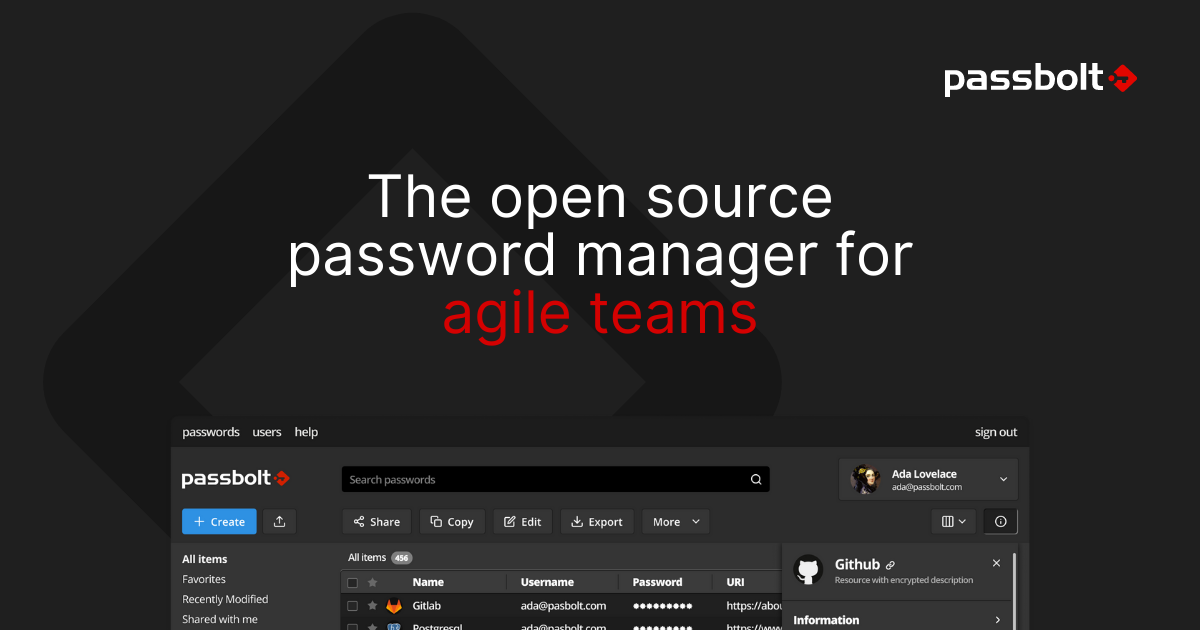
Built on OpenPGP instead of one master-password-derived key, so every user carries a private key and the site describes the result as end-to-end encrypted with a public-private key architecture. Installation is Docker, Helm or Linux packages on hardware you control, and the community edition is described as 100% open source. Aimed at a team sharing credentials rather than one person with a phone.
 Open Source Password Manager for Teams | PassboltManage and share passwords securely with Passbolt. Open source, audited and built for teams that need collaboration, compliance and control.https://www.passbolt.com/
 - 11
pass
Command line, gpg, git, and nothing else. Each entry is a gpg-encrypted file named after the site it belongs to, and changes are tracked in git, so the password history is a repository you can inspect line by line. Licensed GPLv2 or later. There is no polished app and nobody to email, and if that reads as a feature rather than a warning, you already know.
Pass: The Standard Unix Password Managerhttps://www.passwordstore.org/ - 12
LastPass
Two things keep it at the bottom rather than off the list. The pricing page on 12 August 2026 states the free plan is limited to 1 device type, computer or mobile, not both. And the company's own breach notice, updated 22 December 2022, states a threat actor obtained a backup of customer vault data in which website URLs sat unencrypted beside the encrypted passwords. For what it's worth, the apps still work well.
 Password Manager - For Everyone, Everywhere - LastPass Discover what a password is, its importance, and how LastPass helps you create and manage strong, secure passwords to protect your digital life.https://www.lastpass.com/password-manager
How this list was ranked
Readers rank this list by voting items up and down. Items are ordered by reader votes.