AI Tools That Are Actually Useful Day to Day
Fourteen AI tools ranked by how often the job actually comes up, not by how big the company behind it is, so vote the order into shape. Getting in took three things: a finished product rather than a model or an API, a free plan quoted on the maker's own pricing page (all fourteen read on 15 August 2026), and a page that says what the tool does. Two rules stop it becoming a parade of the biggest labs: one tool per company, never more than two doing the same job. The order runs in three tiers, covering work that lands most working days, most weeks, then now and then, and inside a tier: fewest one-time setups first, then whichever free plan sets the softest ceiling on ordinary use, then whichever says you can do more with it. Two pairs come down to judgment and say so in the copy. Across a tier boundary the comparison does not hold. Notion's docs app belongs to the note-taking list, Grammarly's extension to browser extensions, Figma to free creative tools.
ChatGPT is #1 on “AI Tools That Are Actually Useful Day to Day”.
- 1
ChatGPT
Open a tab, type, read the answer, with nothing to install and nothing to connect. The free-plan page names web search, chatting with your files and images, a study mode and drafting, and states no usage cap at all; deep research mode is the one worth learning, built on "authenticated sources" rather than a single guess. Level with the entry below on every rule here, so this pair is a judgment call.
https://chatgpt.com/overview/ - 2
Claude
Anthropic's free tier names ten things you can do without paying, among them extended thinking, memory across conversations, web search and creating files, and states no usage cap either. Long, messy documents are where it earns a daily slot: paste one in and argue with it. Tied with the entry above on setup and on free-plan ceiling, so the split between them is judgment rather than a rule.
 The AI for problem solvers | Claude by AnthropicClaude is the AI assistant for work. Hand off tasks, turn ideas into decks, spreadsheets and prototypes, and run scheduled tasks across your apps and files.https://claude.com/product/overview
 - 3
Perplexity
Searching is the job here rather than chatting, and the citations are the difference: "Citations reveal exactly where every answer comes from," says the product page, so you can click each one and check it. Its free plan states no cap, but describes itself as "Search only", narrower than the two above, which is why it sits third rather than first.
https://perplexity.ai/hub/products/search - 4
Granola
No bot joins the call, and that is the pitch: "Instead, Granola listens in the background while you write notes," says the maker's notepad page, then fills your shorthand out into something a colleague can read. One install, and the Basic plan at $0 per user per month states no minute cap and no meeting quota, the only free notetaker here that doesn't.
AI Notepad: Next-Level AI Note Taking Software | GranolaMost AI notetakers transcribe and summarize. Granola goes further: it's an AI notepad that captures meetings, surfaces context, and connects to the tools you actually use. No bots. No walled-off transcripts.https://www.granola.ai/ai-note-taker
- 5
Wispr Flow
Dictation stopped being a novelty the moment it started working everywhere. Install it, hold a key, talk, and it types wherever your cursor is, so it works in every app on your computer with no setup or integrations. Its free plan states a ceiling of 2,000 words a week on desktop and unlimited on Android, but that is a weekly budget, not something that stops you mid-task.
.jpg) Wispr Flow | Voice to Text Dictation & AI NotetakerFlow makes writing quick and clear with seamless voice dictation. It is the fastest, smartest way to type with your voice.https://wisprflow.ai/
Wispr Flow | Voice to Text Dictation & AI NotetakerFlow makes writing quick and clear with seamless voice dictation. It is the fastest, smartest way to type with your voice.https://wisprflow.ai/ - 6
Otter
Connect a calendar once and it turns up to meetings by itself, no launching required. The free Basic plan carries 300 monthly transcription minutes with speaker identification, but it also states a 30-minute maximum transcription time, and an ordinary hour-long call runs straight past that. A cap that cuts one meeting short is worse than a weekly budget, so it sits last in this tier.
 Otter Meeting Agent - AI Notetaker, Transcription, InsightsOtter AI Meeting Agent supports real-time transcription, live chat, automated summaries, insights, and action items.https://otter.ai/
 - 7
Napkin AI
Diagrams are the thing nobody has time to draw, and this turns a written paragraph into one: select the words, pick a visual, adjust it. The free plan runs on 500 AI credits per week, charged at roughly one credit per word selected, and the pricing page marks it "Forever". That is a weekly budget rather than a ceiling on any single diagram.
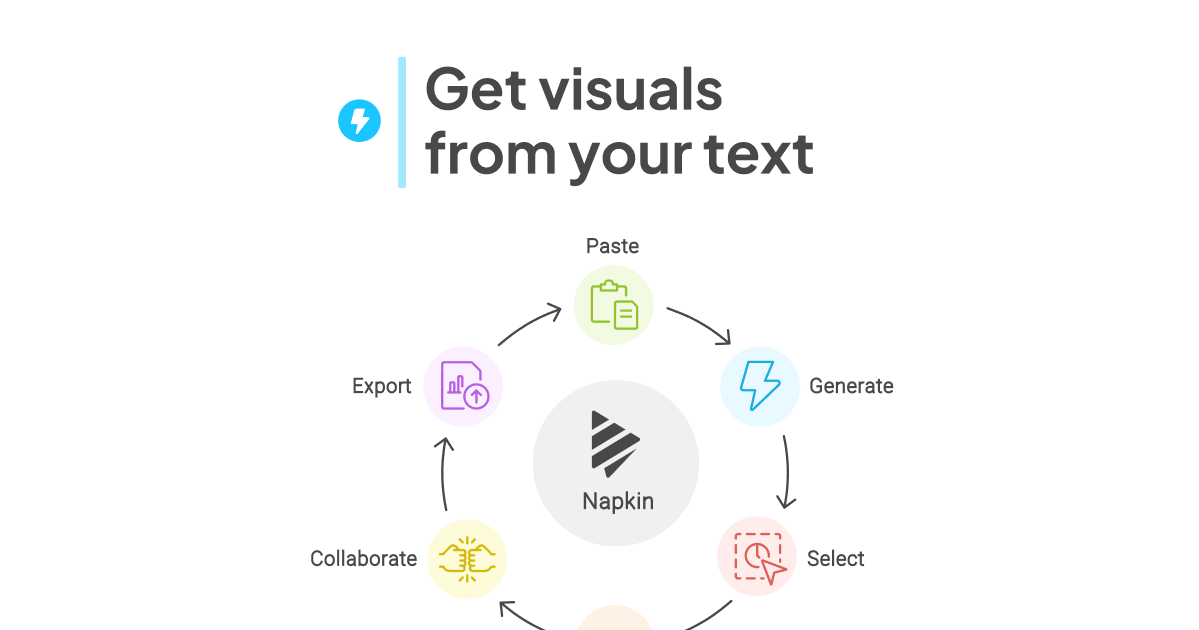 Napkin AI - Turn Text into AI Diagrams and VisualsJust paste your text, and Napkin AI instantly turns it into flowcharts, mind maps, infographics, diagrams, data charts & slides. No design skills needed.https://www.napkin.ai/
 - 8
Gamma
Paste a document or type a line, and "Gamma reads the content and starts structuring slides from there", with no template picking and no dragging boxes. The free plan caps a single deck at 10 slides per prompt, and exports to PDF, PPTX, PNG and Google Slides. Weighing that per-deck ceiling against the monthly one below it is the second judgment call on this list.
https://gamma.app/products/presentations - 9
Descript
Cutting a recording by deleting words in a transcript sounds like a party trick until you try it: "when you change or delete words in the transcript, your video updates instantly." Text-based editing sits on the free plan, which states 60 minutes a month and a 720p export ceiling. It runs in a browser, so the entry cost is only the file you already recorded.
 AI Video Editing Software | Edit Video by Typing | DescriptAI video editing software that lets you edit by editing text. Add captions, clean audio, cut filler words, and publish pro videos in minutes.https://www.descript.com/video-editing
 - 10
Cursor
An editor rather than a plugin, so it costs one install and no wrestling with extensions afterwards. The free Hobby plan asks for no credit card and includes access to Composer, the agent the home page says will "turn ideas into code" across a project rather than a single file. Earns its slot in any week you write code and nothing at all in the weeks you don't.
 AI Coding Agent for Building Ambitious Software | CursorBuilt to make you extraordinarily productive, agents turn ideas into code. Accelerate development by handing off tasks to Cursor.https://cursor.com/
 - 11
GitHub Copilot
Autocomplete guessing the next few lines is still the part people lean on hardest, and the free plan hands over 2,000 completions per month plus access to smaller models. In the editor it "does it all, from explaining concepts and completing code, to proposing edits and validating files with agent mode." It needs an editor and an account before any of that, which is what puts it last here.
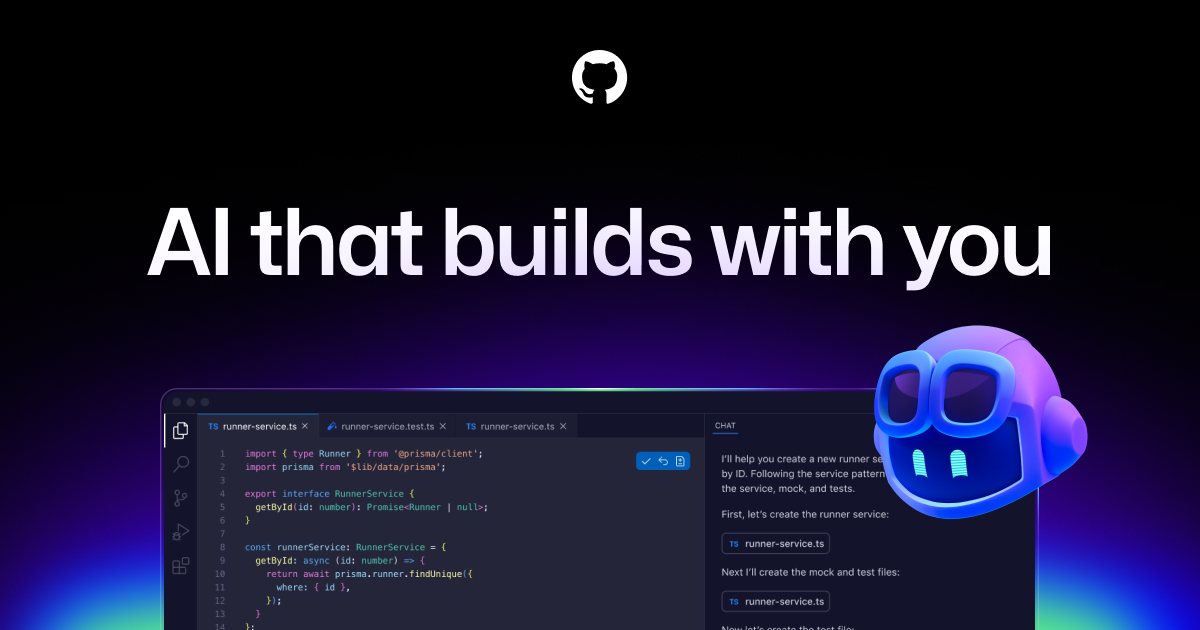 GitHub Copilot · Your AI coding agent · GitHubGitHub Copilot works every step of the way, from an open issue to reviewing and merging a pull request. Use it in your editor, the terminal, on your desktop, and on GitHub.https://github.com/features/copilot
 - 12
ElevenLabs
Voice-over used to mean booking a booth and a reader. Paste text, choose a voice, and the page promises delivery "in over 70 languages, all with native-level emotion and clarity", close enough for a product demo or a phone menu. Its free plan is 10k credits a month spread across text to speech, sound effects and voice design. Rarely needed, very good on the day it is.
 Free Text To Speech Online with Lifelike AI VoicesTransform text into lifelike speech with ElevenLabs' Text to Speech. Ultra-realistic text-to-speech supports 70+ languages and TTS API integrations.https://elevenlabs.io/text-to-speech
 - 13
Krea
Pictures are an occasional job for most people, which is why this sits low rather than because it is weak. The free plan opens all the image and video models on 100 units a day, and what separates it from prompting blind is the reference image: "Upload an image to guide the subject, style, composition, colors, or product details." Commercial license is not included.
 AI Image Generator - Free Text to Image Online | KreaCreate AI photos, art, and graphics from text or reference images with Krea’s free AI image generator. Compare models, edit results, and upscale in one workspace.https://www.krea.ai/features/ai-image-generator
 - 14
Suno
Describe a song, whether "genre, mood, theme, or your own lyrics", press create, and a finished track comes back. The free plan is 50 credits that renew daily, roughly ten songs, and the pricing page is blunt about the rest: "No commercial use", "No stem separation", "Standard features only". Last, because those restrictions bite on what you may actually do with the output.
 Suno | AI Music GeneratorCreate stunning original music for free in seconds using our AI generator. Make your own masterpieces, share with friends, and discover music from artists worldwide.https://suno.com
How this list was ranked
Readers rank this list by voting items up and down. Items are ordered by reader votes.