The Best Note-Taking Apps
Fifteen note-taking apps, ranked in two blocks rather than one line, and you can vote the order into shape. Ranks 1 to 11 are apps that could be the only note app you use; 12 to 15 are ones you add beside a main app. Inside each block one thing decides the order: what happens to your notes. Readable files on your own disk come first, then apps whose export is complete and costs nothing, then apps whose notes sit in a database only they can open. That is why Notion, which carries more work than anything above it, sits ninth, and why a Markdown outliner with a slowing release pace still sits third. Popularity is doing none of the ranking. Left out: Apple Notes, which has no product page to link; Standard Notes, whose own site still calls itself an independent company with $0 in venture capital, which I could not square with anything else; and Raindrop, which is bookmarking and belongs on the browser-extensions list.
Obsidian is #1 on “The Best Note-Taking Apps”.
- 1
Obsidian
Everything you type lands as plain-text Markdown files in a local vault folder on your own disk, which is the whole argument for it: there is no export step because there is nothing to export. The maker's own site says the app is free without limits, with Sync and Publish sold separately as add-ons. Be warned that the plugin scene is enormous and will eat an evening.
 Obsidian - Sharpen your thinkingThe free and flexible app for your private thoughts.https://obsidian.md
 - 2
Joplin
Open format on disk, plus end-to-end encrypted sync to Nextcloud, Dropbox, OneDrive or the maker's own Joplin Cloud, so you choose the backend rather than renting somebody else's. The project's site states the notes are saved in an open format. Rough edges show in the editor and on mobile, and I stopped minding the day a sync broke and nothing at all was lost.
Joplin websiteJoplin, the open source note-taking applicationhttps://joplinapp.org - 3
Logseq
Outlining first: every line is a bullet, and the links between blocks matter more than the document they sit in. Underneath, the files are ordinary Markdown and Org-mode, under an AGPL-3.0 license on the project's repository. Check the pace before committing, though. In August 2026 the newest build on its releases page was a nightly dated 9 June. Daily journals are why people stay.
 A privacy-first, open-source knowledge baseA privacy-first, open-source platform for knowledge management and collaboration.https://logseq.com
 - 4
Notesnook
Zero-knowledge is the pitch, and the maker names XChaCha20 encryption on its own site rather than waving at security in the abstract. The source repository carries a GPL-3.0 license, so the claim can be checked instead of trusted, and sign-up needs no card. Plainer to look at than Bear, and the mobile app has grown up considerably.
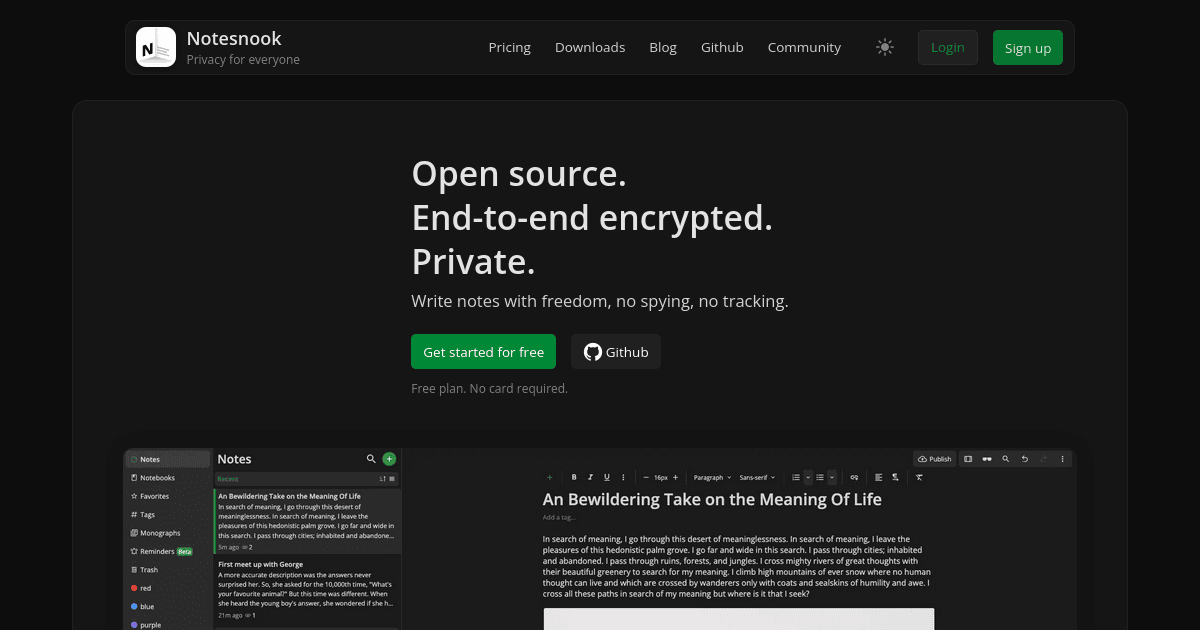 Notesnook | Open source & zero knowledge private note taking appExpress yourself with freedom — no spying, no tracking, only private notes. Unlike Evernote and other note apps, your data is yours alone.https://notesnook.com
 - 5
Anytype
Blocks and objects arranged much like Notion, but built on offline-first local storage with optional peer-to-peer sync, per the maker's own desktop client repository. Worth knowing before you move in: the license there is the Any Source Available License 1.0, which is source-available rather than open source, and people run those two words together constantly. It's free to start, and steep for about a week.
 Anytype — A safe haven for digital collaborationCreate notes, tasks, databases, and chats that only you can access. Your data stays on your device — fully owned, secure, and private. Free to start.https://anytype.io
 - 6
Simplenote
Plain text, tags, instant search, and absolutely nothing else, which makes it the quickest thing here to open and start typing into. Automattic runs it, and the site says apps, backups, syncing and sharing are all completely free, with notes backed up on every change so last month's wording is recoverable. Markdown preview is there. There are no images and no attachments.
 SimplenoteThe simplest way to keep notes. Light, clean, and free. Simplenote is now available for iOS, Android, Mac, and the web.https://simplenote.com
 - 7
Bear
Apple-only, and the nicest surface to type on here by some distance. It sits a place below Simplenote because iCloud sync is behind Bear Pro at $2.99 a month or $29.99 a year as listed in August 2026; the free tier still exports to TXT, Markdown, TextBundle and RTF, so nothing gets held hostage. Own an Android phone and none of this applies to you.
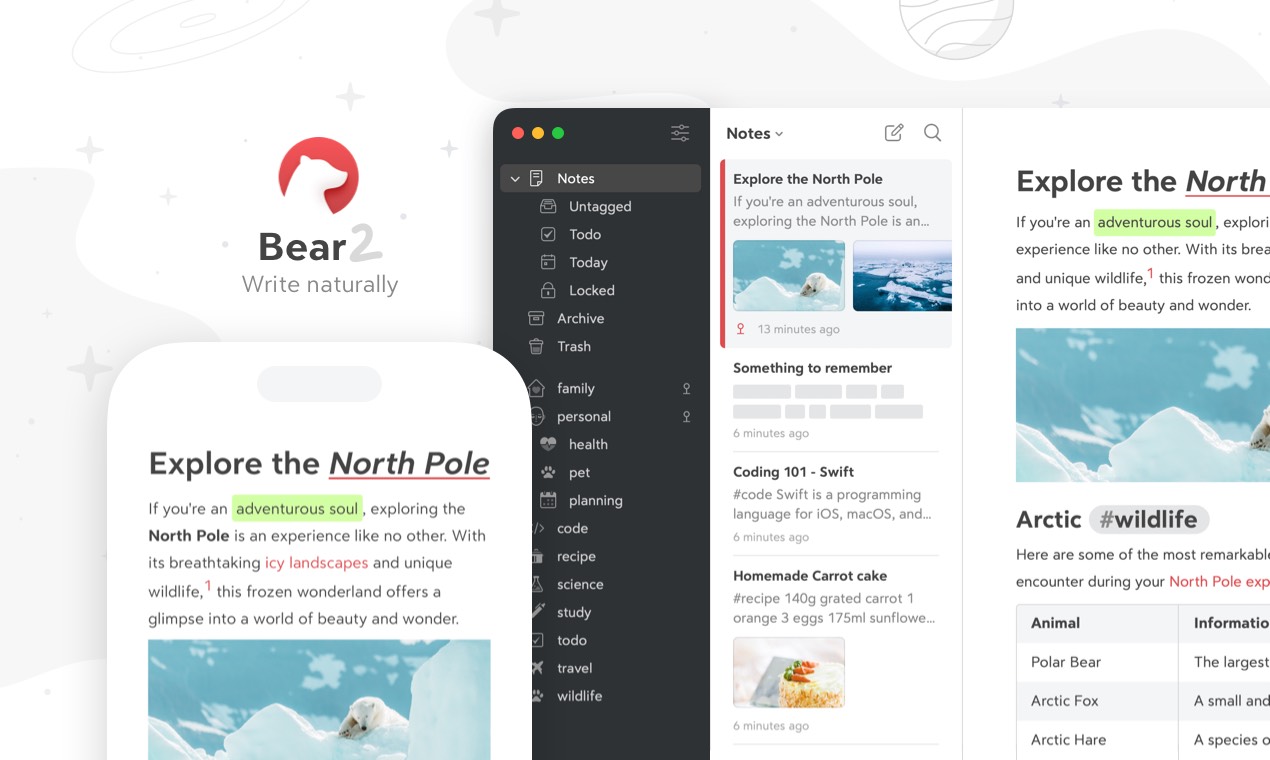 BearBear is a beautiful, powerfully simple Markdown note taking app to capture, write, and organize your life.https://bear.app
 - 8
UpNote
Cheap, quick and genuinely cross-platform, with a $39.99 lifetime license listed in August 2026 next to a $1.99 monthly option, which is rare in a category that went all-in on subscriptions. Free stops at 50 notes. Exports run to text, PDF, HTML and Markdown, so the exit is real, and the editor is tidier than the price would suggest.
Best Notes App - Write and Organize with UpNotehttps://getupnote.com - 9
Notion
Databases underneath ordinary-looking pages, and the docs product page pitches going 'way beyond text & bullet points'. Fair enough, since it carries work the plain-text apps above it cannot. The cost is where everything ends up. The pricing page puts the Free plan at a 5 MB file upload cap, seven-day page history, ten guests, and a block limit once a workspace has two or more members. Your writing lives in that database, not in files you hold.
 Docs | NotionThe next gen of notes & docs. Simple. Powerful. Beautiful.https://www.notion.com/product/docs
 - 10
Microsoft OneNote
Sketching, annotating and highlighting freely is the maker's own pitch for it, and digital ink with the natural feel of a pen is the phrase doing the selling. It is sold inside Microsoft 365, with Personal listed at $9.99 a month in August 2026. Pulling several years of notebooks back out again is the part nobody looks forward to, so start tidy.
https://www.microsoft.com/en-us/microsoft-365/onenote/digital-note-taking-app - 11
Google Keep
Sticky notes, essentially: color it, label it, pin it, move on. Nothing here thinks harder than that, which is exactly right when you are stood in a car park memorizing a bay number. The Workspace product page says notes sync in real time across devices and that you can export to Google Docs, which is the escape hatch. It is not a home for anything long.
Google Keep: Online Notes and Digital Notebook Lists | Google Workspace7.00 USDCreate and share digital notes, lists, photos, drawings, and audio to save your thoughts with Google Keep.https://workspace.google.com/products/keep/
- 12
Drafts
Capture first, file later, and that is why it heads the add-alongside block rather than competing with the eleven above. It opens to an empty page with the keyboard already up, so a passing thought costs no decisions. The maker describes a quick-capture app for iPhone, iPad, Mac and Apple Watch, and Apple Watch capture sounds daft until you use it mid-supermarket.
 Drafts, Where Text StartsDrafts quick-capture app for iPhone, iPad, Mac and Apple Watchhttps://getdrafts.com
 - 13
Goodnotes
Handwriting on a tablet, and the feature that justifies the stylus is handwriting search: the site says you can search across typed text, handwriting and sketches at once. Free forever stops at three notebooks and 100MB of storage, with Essential listed at $11.99 a year in August 2026. Marking up PDFs is where most people end up living.
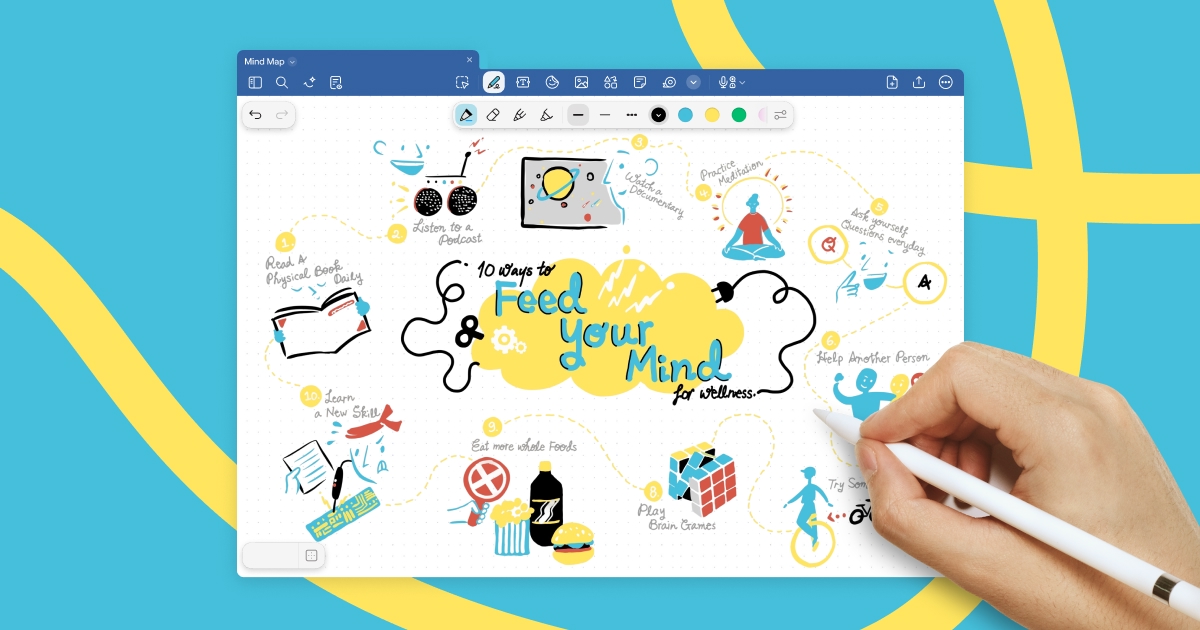 Goodnotes | Notes Reimagined | Note-Taking AppBring your thinking to life, collaborate in real time, and turn brainstorming into action with shared notes, whiteboards and text documents.https://www.goodnotes.com
 - 14
Notability
Recorded audio running alongside your handwriting is why lecture-goers reach for it, and the site now leads on live audio transcription. The free tier is thinner than its rival's, at 5 free notes with seven-day version history, and Lite was listed at $11.99 a year in August 2026. Runs on iOS, Android and the web, so a tablet is not compulsory.
 Home | NotabilityNotability turns handwritten notes, audio, and documents into AI-powered summaries, flashcards, and quizzes. Download for free today.https://notability.com
 - 15
Evernote
Once the default, now the warning, and last here because the free tier barely lets your notes happen at all. Its own comparison page puts the Free plan at 50 notes, one notebook, one device, 1GB and 20 tags, whatever old reviews still tell you. Bending Spoons owns it, per the copyright line on the site. Web clipping and search remain excellent if you pay.
Best Note Taking App - Organize Your Notes with EvernoteOur note taking app helps you capture and prioritize ideas, projects and to-do lists, so nothing falls through the cracks. Start your free trial today!https://evernote.com
How this list was ranked
Readers rank this list by voting items up and down. Items are ordered by reader votes.